

Warehouse Management
Warehouse and fulfillment management, consolidated with the rest of your supply chain.
Included in the full ERP. Modules are not sold individually.
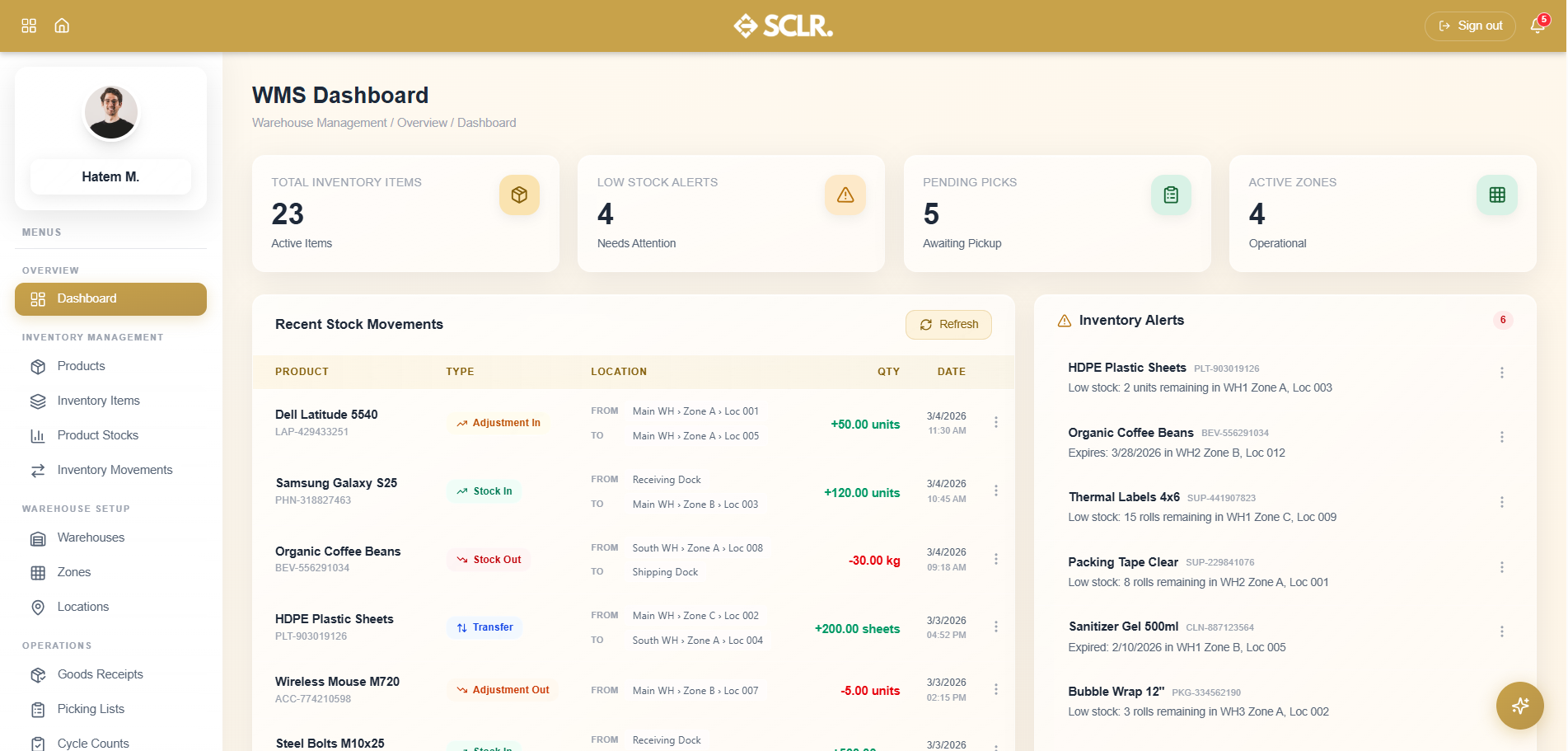
Here's how Scaler's Warehouse Management module changes how you operate
Receiving ties to procurement. Every goods receipt links to a purchase order and captures batch, expiry, and location at the point of entry — stock updates from the same record.
Picking runs on enforced rotation. Staff follow system-generated lists built from the sales order, with FIFO or FEFO applied automatically so the right lot ships every time.
Cycle counts produce reconciled records. Variances go through a two-person verification step and post back into the movement log — discrepancies don't disappear into a spreadsheet.
Expiring stock becomes visible before it turns into a loss. Batch-level expiry tracking shows which lots are at risk and what they're worth, so you can act in time.
What it manages
Inventory Management
- Product catalog with batch and expiry tracking flags, and finance account mappings per item
- Per-location, per-batch inventory records with cost, condition, and supplier reference
- Aggregated stock levels with reorder thresholds and expiry counts
- Full movement log across all transaction types
Warehouse Setup
- Warehouse master records
- Typed zones — receiving, storage, picking, shipping, staging, cold storage, hazmat
- Physical locations with aisle, row, and level coordinates, dimensions, and weight limits
Operations
- Goods receipts against purchase orders, with batch, expiry, and location captured per line
- Picking lists generated from sales orders, assigned per picker with FIFO or FEFO applied
- Cycle counts with three count methods and a two-person verification workflow
Reports & Analytics
- Low stock alerts by severity with direct purchase request creation
- Batch-level expiry tracking with at-risk inventory value
- Per-picker performance metrics
- Generated stock reports archive
How warehouse management connects inside SCLR
Every record you create in Scaler updates the connected records across the system.
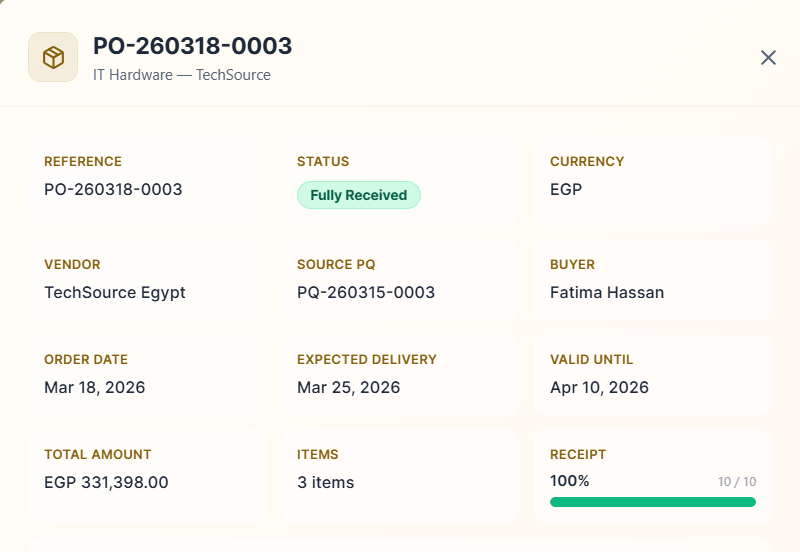
Purchase order is approved and sent to the supplier.
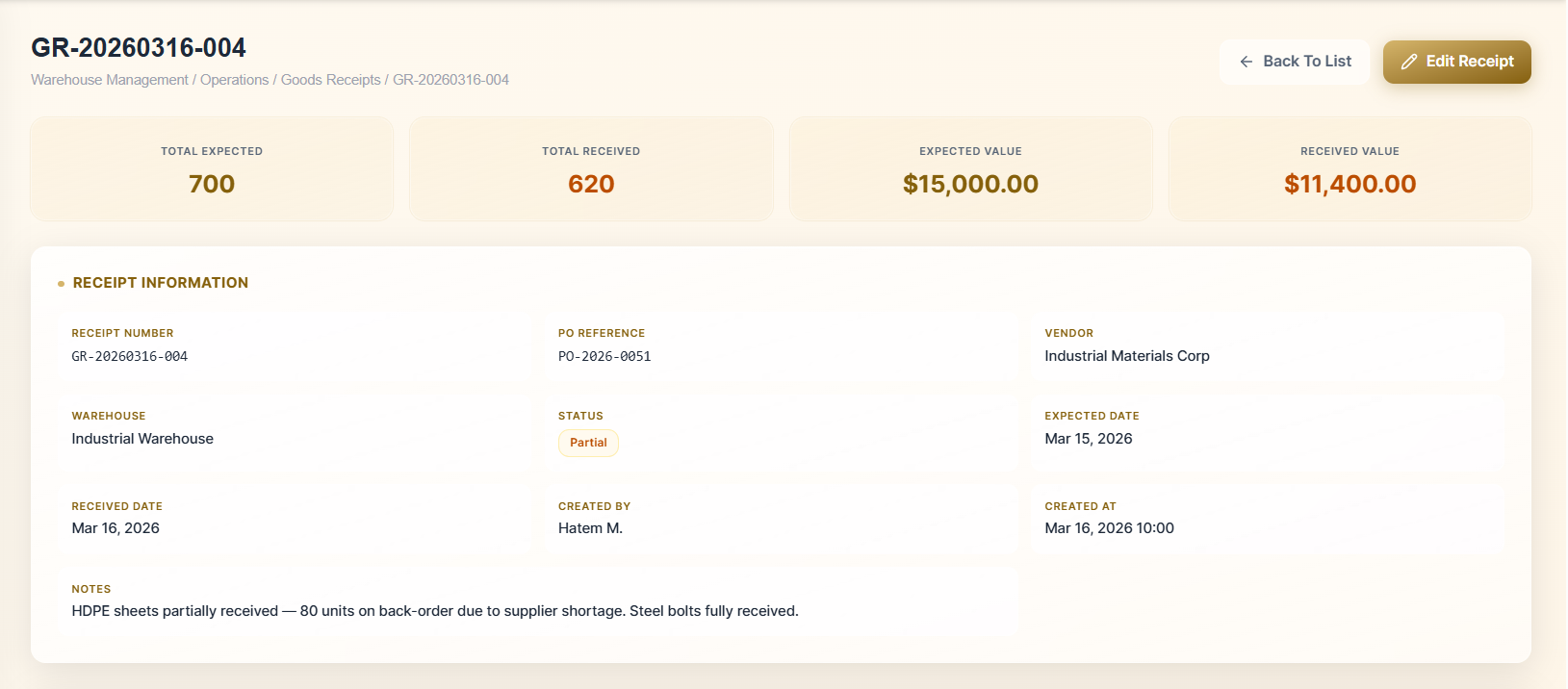
Warehouse receives against the PO. Batch, expiry, and location are captured per line in one receipt record.
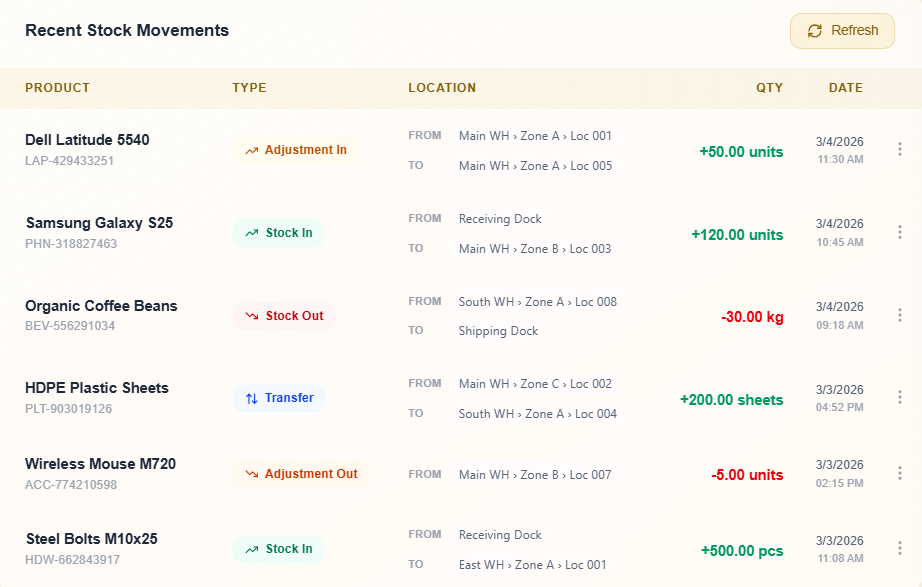
Stock updates from the same receipt. On-hand quantities and item history stay consistent across the system.
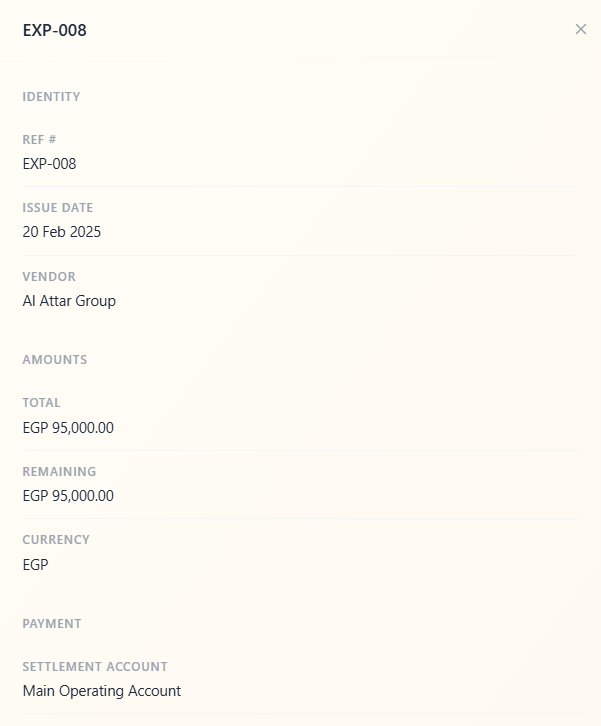
Accounting entries post automatically from the receipt. Inventory value and accounts payable update without manual journal entries.
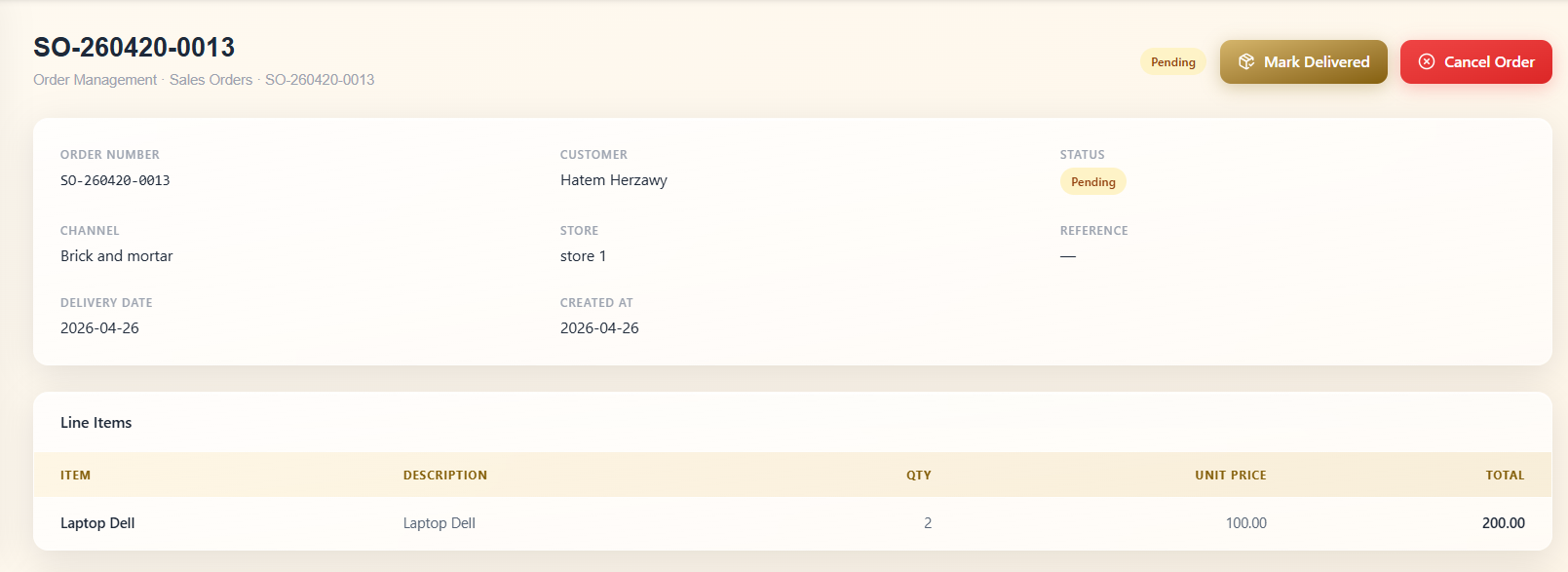
Sales order is confirmed and a picking list is generated. Staff follow location and batch instructions with FIFO or FEFO applied.
Getting started with the Warehouse Management module
Start by defining your warehouse structure — the warehouses, zones, and locations that stock will move through — and your product catalog. Both only need to be set up once, either here or in procurement, and they carry across the system from there. Once the layout and products are in place, you can load your opening stock position with batch numbers, expiry dates, and location assignments for anything already on hand.
From there, receiving against purchase orders and generating picking lists from sales orders happens within the same system as your procurement and order management workflows — no separate setup required.
Other Modules
Sales
Pipeline, lead distribution, activity tracking, and commission structures all tied to one lead record.
Order Management
Quotations, sales orders, proof of delivery, and invoicing triggered from Sales and wired to Warehouse and Finance.
Marketing
Connected Meta campaigns with lead form sync, budget pacing, and conversion data flowing back from Sales.
Real Estate Commercial Operations
Availability, EOI, quotation, contract, and payment schedule posted to Finance the moment a contract is signed.
HR
Recruitment pipeline, employee records, attendance rules, leave management, and self-service from one record.
Payroll
Salary components, structures, employee contracts, payroll runs, and automatic Finance posting no manual entries.
Finance
Accounting rules, general ledger, financial reports, and period close every module posts here.
Procurement
From purchase request through vendor quotation, PO, goods receipt, and invoice to payment one purchasing trail.
An AI assistant that already knows your whole business.
It lives inside the same system as your data. Ask what's happening in sales, whether a payment has come through, or how to set up a payroll rule and get a direct answer. No setup. No context to manage.
How do I...
Ask anything about the system — setup, flows, approvals, fields. Get a direct answer without hunting through documentation.
What's happening with...
Ask about any department, customer, or record and get reported to instead of navigating to find it.
Do this for me.
Coming soonAgent mode will perform tasks and run flows on your behalf within your existing permissions and approvals.
Implementation doesn't take months.
The transition is smoother than you think. Scaler is built around the terms and workflows your team already recognizes no maze to navigate, no months of getting used to a complicated, foreign system.