

HR
The operating system for your people — from first application through daily work to offboarding.
Included in the full ERP. Modules are not sold individually.
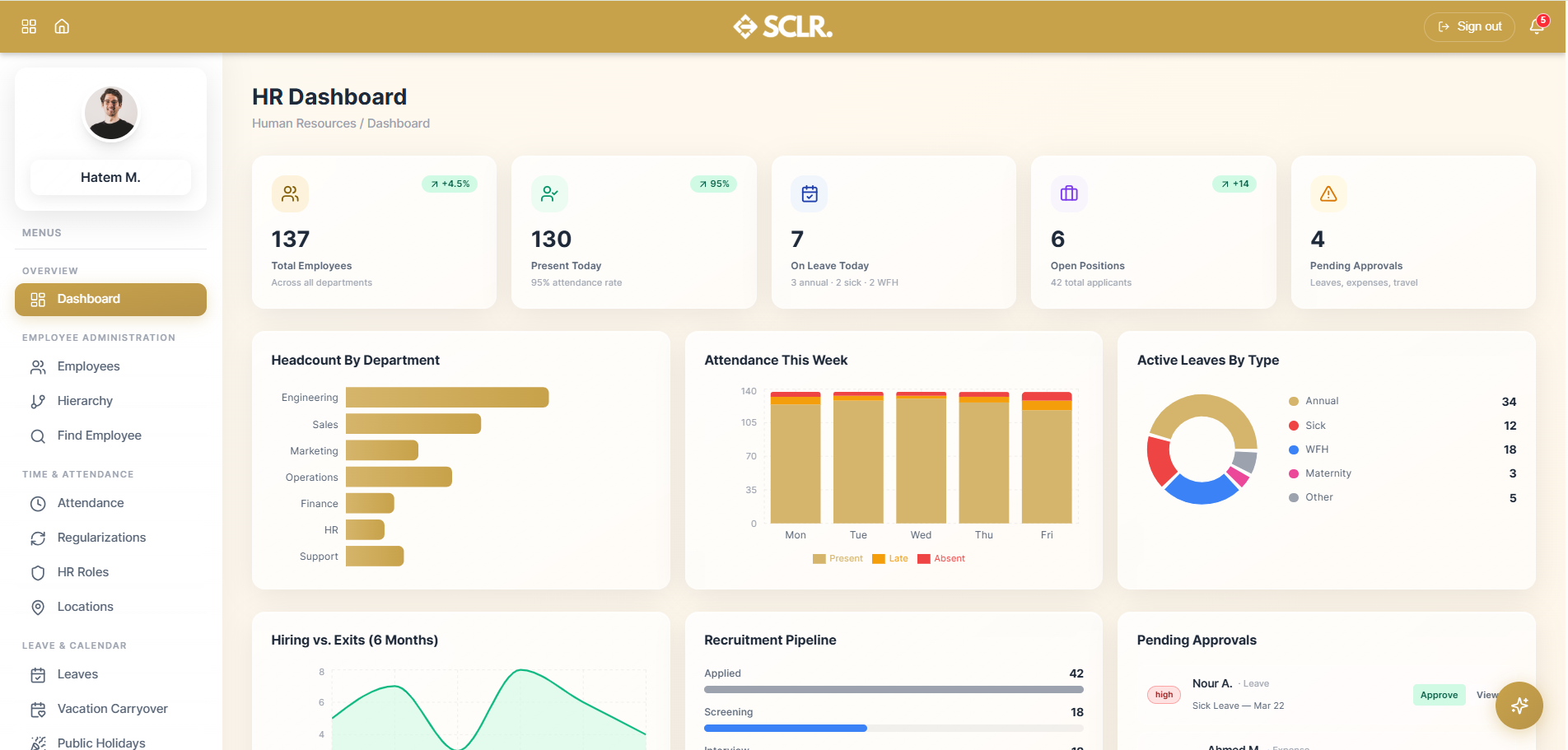
Here's how Scaler's HR module changes how you operate
The applicant gets a record the moment they apply. As you move them through the pipeline, you assign their role and employment type from within that same record. When you hire, they convert to an employee — no re-entry, no handoff between systems.
Attendance policies run automatically from each employee's assigned role. You define the rules once — working hours, overtime thresholds, late grace periods — and the system enforces them. Employees check in and out from their phone or automatically by location.
Every employee request — leave, expenses, travel, time corrections, document requests — is submitted from inside the system and lands in one place for you to manage. No chasing across email or WhatsApp
Policies are published, assigned, and tracked for reading. If an employee hasn't acknowledged a policy, you can make it a condition of their system access. No more sending PDFs and wondering if anyone opened them.
Employees request HR documents from inside the system — on desktop or phone. You review, issue, and share without a single manual handover or someone knocking on your door for a letter.
What it manages
Employee Administration
- Employee records and master data
- Organizational hierarchy and reporting structure
- Employee lookup
Time & Attendance
- Attendance records with punch-level detail
- Attendance correction requests
- Work rule and policy configuration per employee role
- Geofenced workplace locations
Leave & Calendar
- Leave requests and approval chains
- Vacation carryover balances and expiry
- Public holiday calendars by country
- Unified HR calendar
- Company events
Knowledge & Services
- Internal document repository
- HR document requests and issuance
- Company policy publishing and compliance tracking
- Support tickets
- Expense claims
- Travel requests
- Employee surveys
Recruitment
- Job openings
- Candidate profiles
- Applications and pipeline board
- Interview scheduling
- Offer management and lifecycle
Execution & Self-Service
- Internal HR tasks with time logging and dependencies
- Employee self-service profile with leave visibility, issued documents, and assigned surveys
How hr connects inside SCLR
Every record you create in Scaler updates the connected records across the system.
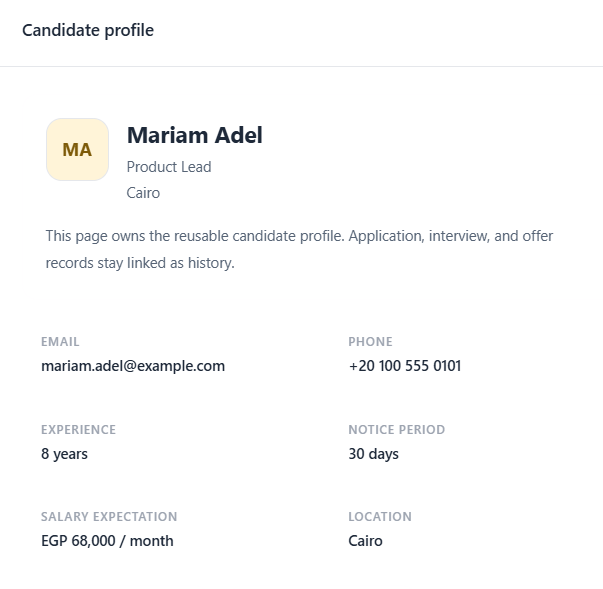
An applicant applies to a job. Their record is created immediately.
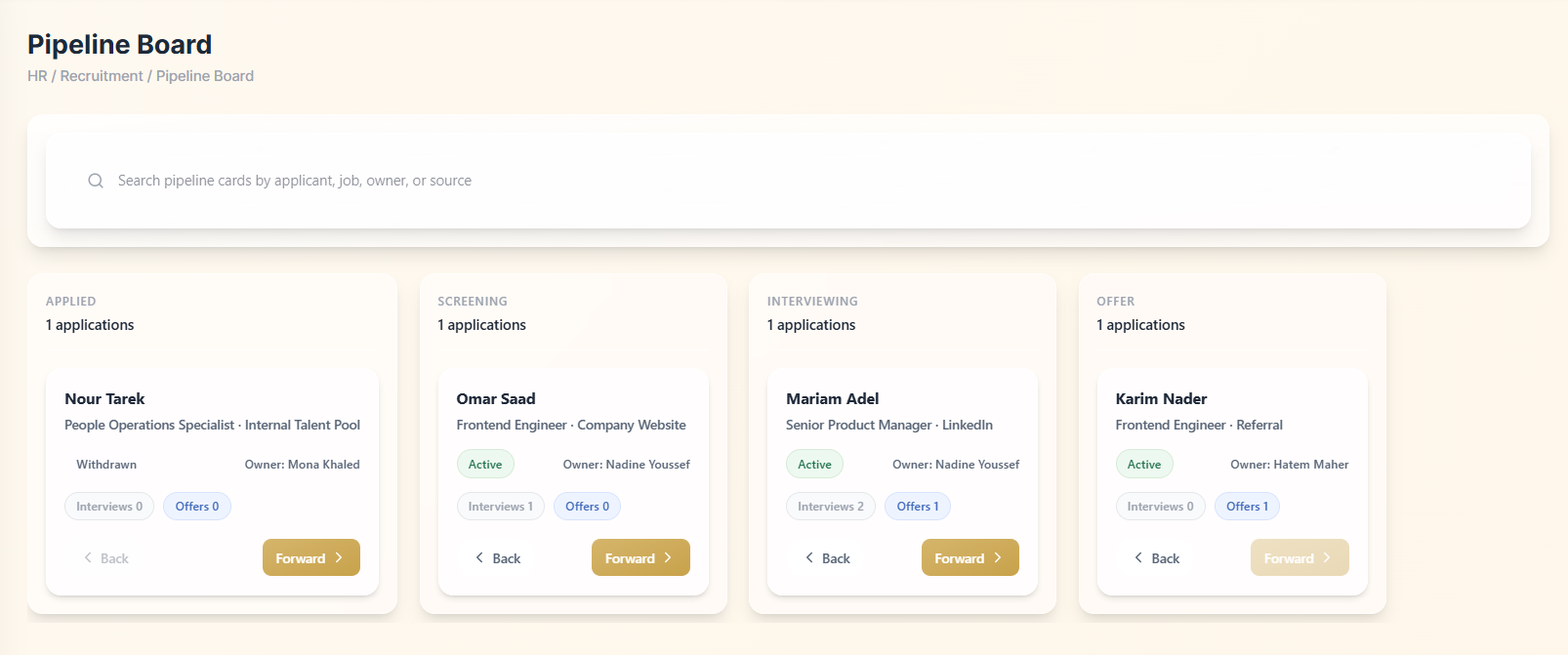
You move them through the pipeline — screening, interviews, offer.
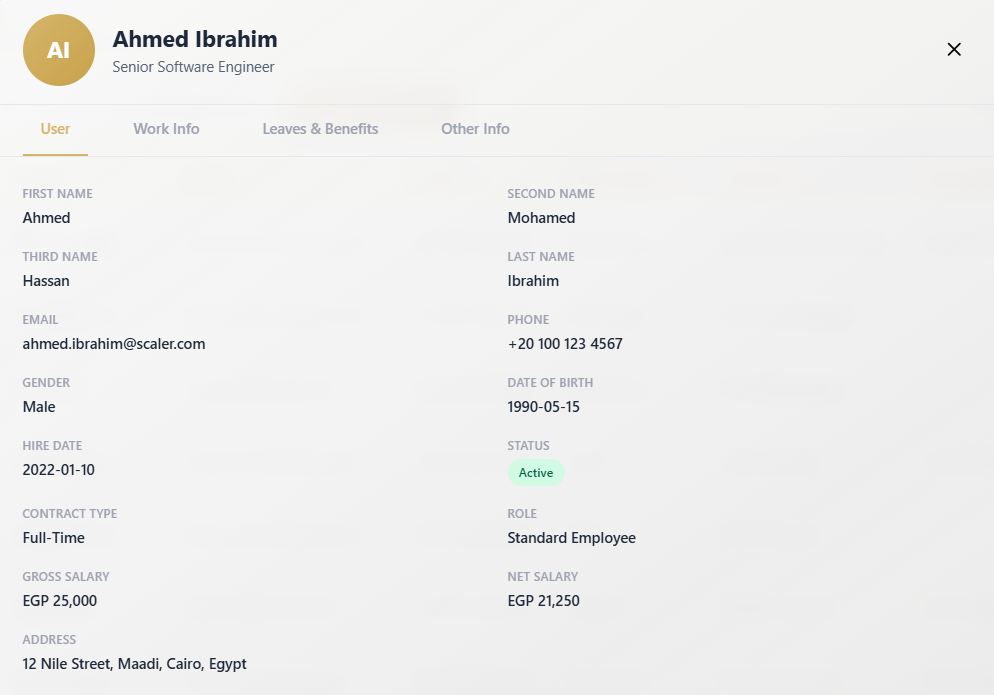
You hit Hire. The applicant record converts to an employee record.
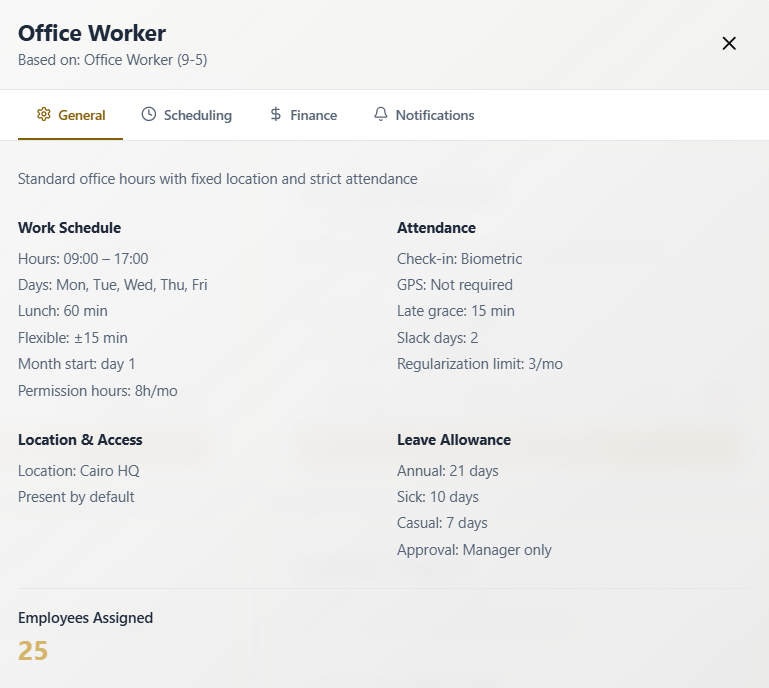
You assign their HR Role. Work rules, leave entitlements, and attendance policies apply automatically.
.png)
The employee logs attendance. Hours, overtime, and deductions calculate from the role.
.png)
When the payroll run fires, the accounting entries post to Finance automatically.
Getting started with the HR module
You don't need a complete data migration to go live. Set up your HR Roles and add your employees — everything else in the module builds from there.
Bring your employee data in one by one or import your full list at once using a ready-made sheet.
Other Modules
Sales
Pipeline, lead distribution, activity tracking, and commission structures all tied to one lead record.
Order Management
Quotations, sales orders, proof of delivery, and invoicing triggered from Sales and wired to Warehouse and Finance.
Marketing
Connected Meta campaigns with lead form sync, budget pacing, and conversion data flowing back from Sales.
Real Estate Commercial Operations
Availability, EOI, quotation, contract, and payment schedule posted to Finance the moment a contract is signed.
Payroll
Salary components, structures, employee contracts, payroll runs, and automatic Finance posting no manual entries.
Finance
Accounting rules, general ledger, financial reports, and period close every module posts here.
Procurement
From purchase request through vendor quotation, PO, goods receipt, and invoice to payment one purchasing trail.
Warehouse Management
Goods receipt against POs, picking lists from sales orders, cycle counts, and batch and expiry tracking.
An AI assistant that already knows your whole business.
It lives inside the same system as your data. Ask what's happening in sales, whether a payment has come through, or how to set up a payroll rule and get a direct answer. No setup. No context to manage.
How do I...
Ask anything about the system — setup, flows, approvals, fields. Get a direct answer without hunting through documentation.
What's happening with...
Ask about any department, customer, or record and get reported to instead of navigating to find it.
Do this for me.
Coming soonAgent mode will perform tasks and run flows on your behalf within your existing permissions and approvals.
Implementation doesn't take months.
The transition is smoother than you think. Scaler is built around the terms and workflows your team already recognizes no maze to navigate, no months of getting used to a complicated, foreign system.