

Marketing
Your campaigns run, leads get captured, and get pushed to sales, all in one uninterrupted flow.
Included in the full ERP. Modules are not sold individually.
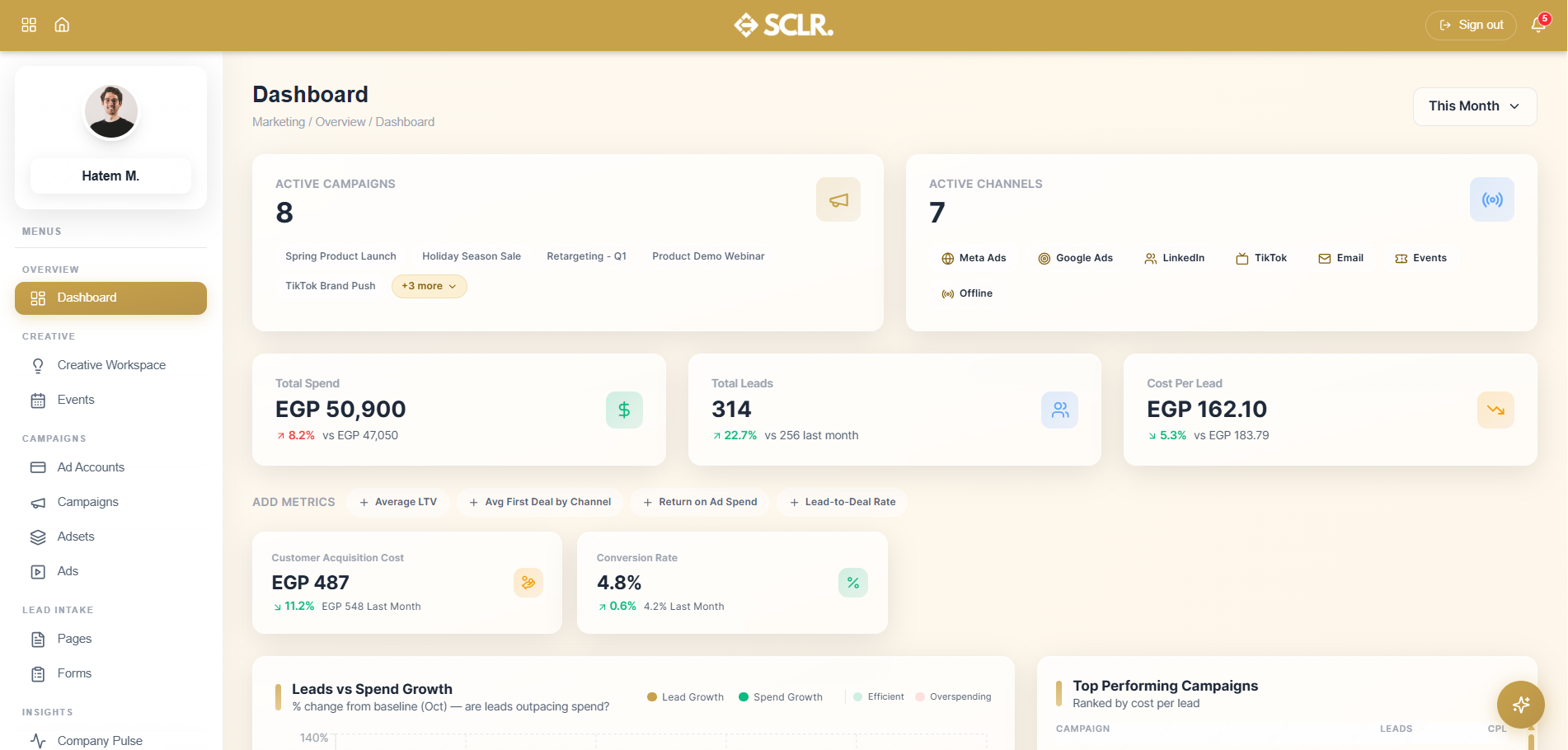
Here's how Scaler's Marketing module changes how you operate
Every lead from a connected Meta form enters Sales as a record — source, platform, and form name already attached — and gets assigned to an agent through your rotation rules in the same motion.
Your cost per lead has a revenue figure next to it. Conversion rates from Sales feed back into the Marketing dashboard, so you can see which campaigns brought in quality leads and which only brought in volume.
Campaign spend is measured against plan throughout the month. Each campaign shows whether it is on track, underspending, or overspending — so you can optimize before the budget is gone.
Lead intake failures surface before they become pipeline gaps. The system tracks how many leads each form captured on the platform versus how many landed in Scaler, and flags mismatches automatically.
What it manages
Dashboard
- Active campaign count
- Active channel count
- Total spend and total leads
- Cost per lead
- Customizable metrics
- Leads vs spend growth chart
- Top campaigns by CPL
- Form intake health
Ad Accounts
- Connected Meta accounts
- Account status and monthly budget cap
- MTD performance data
- Active campaign count per account
Campaigns
- Campaign creation and management
- Objective and status tracking
- Budget and pacing (on track / underspending / overspending)
- Full performance metrics
- Campaign workspace and duplication
Forms
- Lead form sync
- Sync health (platform lead count vs Scaler lead count)
- Field mapping and force sync
- Project tag
How marketing connects inside SCLR
Every record you create in Scaler updates the connected records across the system.
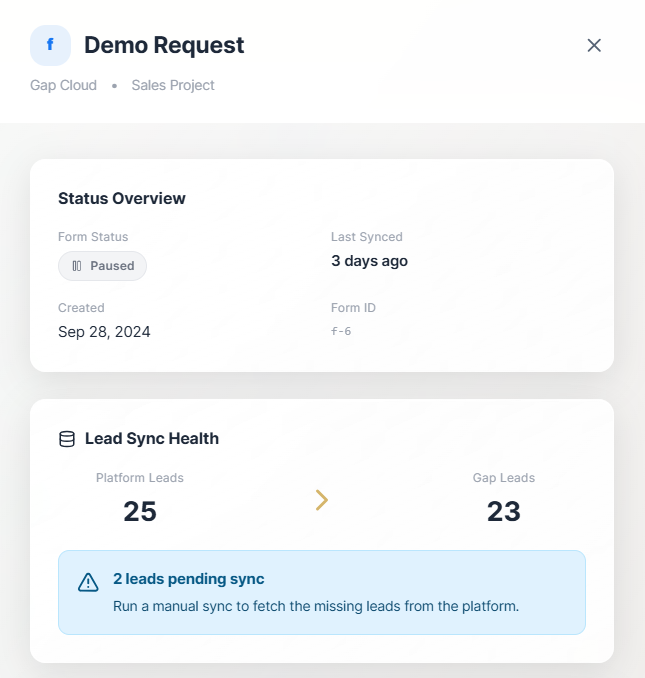
A lead submits a form on a connected Meta campaign. The lead enters Sales automatically — source, platform, and form name attached — and is assigned to an agent through your rotation rules.
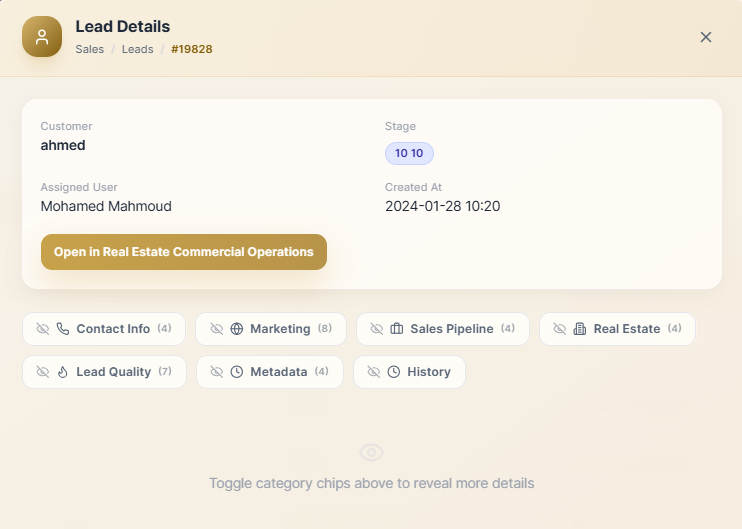
The agent works the lead through the pipeline. When a deal closes, it moves to Order Management for fulfillment — or to RECO for real estate businesses.
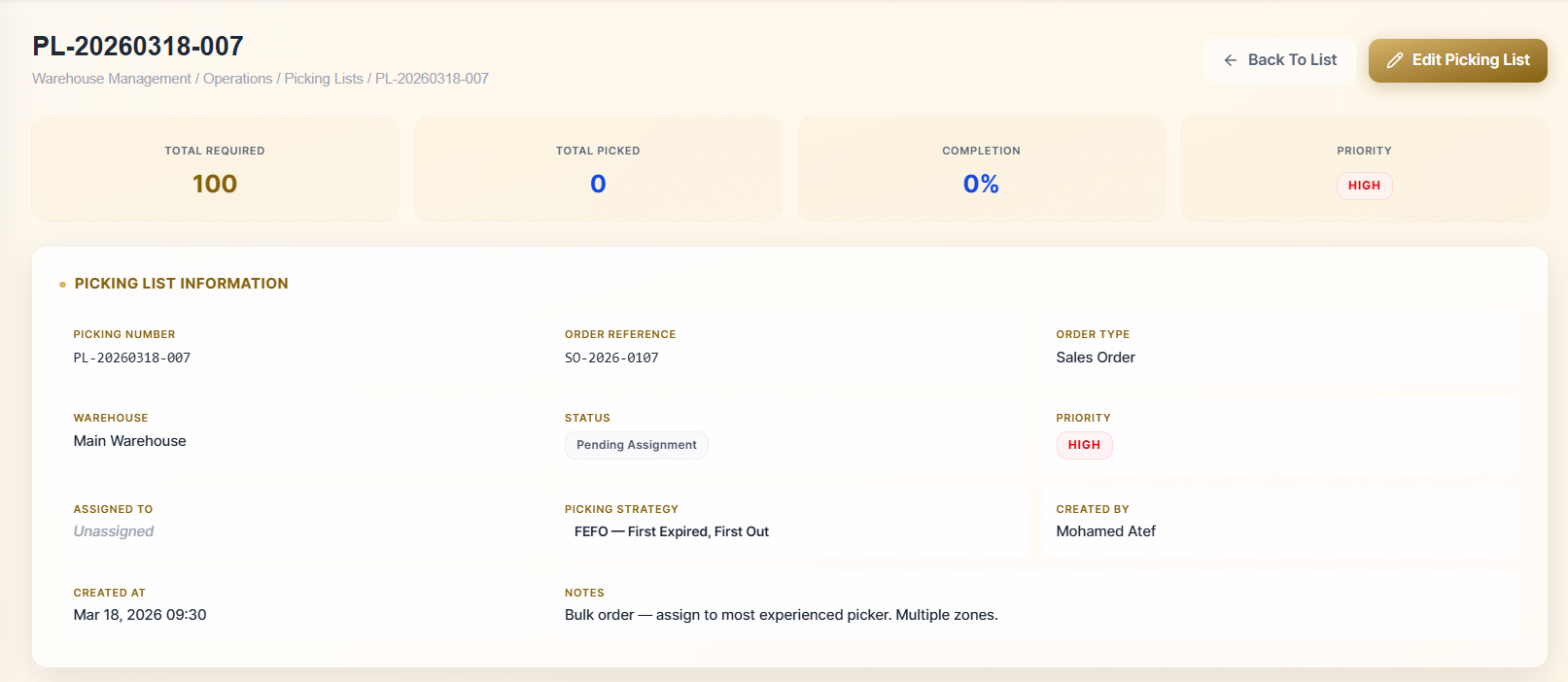
The order is processed in Order Management and dispatched to the warehouse through WMS.
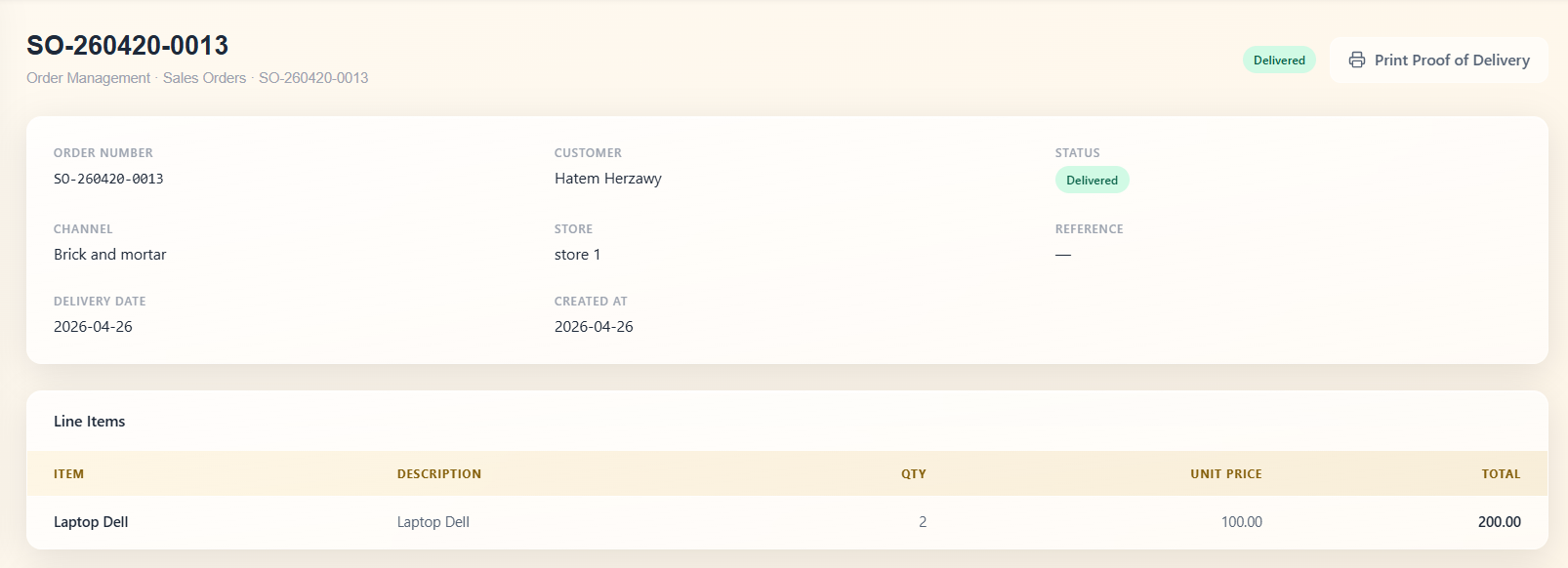
The warehouse picks, packs, and ships the order. Fulfillment status updates back to the order record.
Getting started with the Marketing module
Connect your Meta ad account and your pages. Campaigns, ad sets, and ads sync in from the account. Forms sync in from the pages. The structure you already have on the platform is your starting point.
Before leads start flowing, configure your rotation rules in Sales. These rules determine which agent each incoming lead is assigned to, based on source, channel, or project. Once they're in place, every lead that enters through Marketing gets assigned the moment it arrives.
Other Modules
Sales
Pipeline, lead distribution, activity tracking, and commission structures all tied to one lead record.
Order Management
Quotations, sales orders, proof of delivery, and invoicing triggered from Sales and wired to Warehouse and Finance.
Real Estate Commercial Operations
Availability, EOI, quotation, contract, and payment schedule posted to Finance the moment a contract is signed.
HR
Recruitment pipeline, employee records, attendance rules, leave management, and self-service from one record.
Payroll
Salary components, structures, employee contracts, payroll runs, and automatic Finance posting no manual entries.
Finance
Accounting rules, general ledger, financial reports, and period close every module posts here.
Procurement
From purchase request through vendor quotation, PO, goods receipt, and invoice to payment one purchasing trail.
Warehouse Management
Goods receipt against POs, picking lists from sales orders, cycle counts, and batch and expiry tracking.
An AI assistant that already knows your whole business.
It lives inside the same system as your data. Ask what's happening in sales, whether a payment has come through, or how to set up a payroll rule and get a direct answer. No setup. No context to manage.
How do I...
Ask anything about the system — setup, flows, approvals, fields. Get a direct answer without hunting through documentation.
What's happening with...
Ask about any department, customer, or record and get reported to instead of navigating to find it.
Do this for me.
Coming soonAgent mode will perform tasks and run flows on your behalf within your existing permissions and approvals.
Implementation doesn't take months.
The transition is smoother than you think. Scaler is built around the terms and workflows your team already recognizes no maze to navigate, no months of getting used to a complicated, foreign system.