

Finance
The financial spine of your business, configured to your accounting rules from day one and fed by every other module.
Included in the full ERP. Modules are not sold individually.
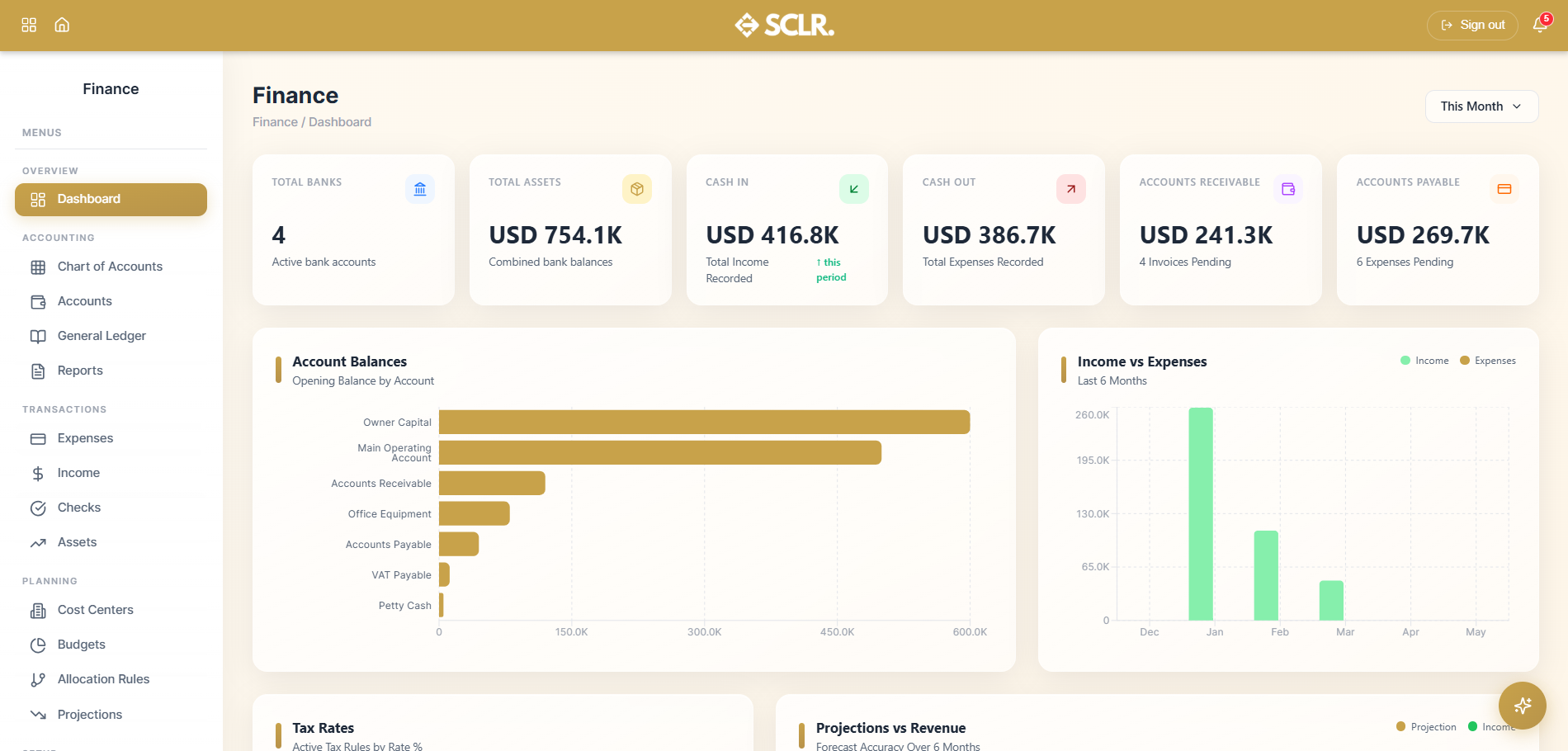
Here's how Scaler's Finance module changes how you operate
No one wants to rebuild their accounting methodology to fit a system. Scaler's accounting rules engine lets you configure how every transaction posts — which control account, which subledger, which cost center — so the system reflects the way your business accounts for money.
Every transaction across the system — vendor payments, payroll runs, customer invoices, procurement receipts — posts to the account your rules define. The chain from transaction to ledger entry is complete.
Your P&L, balance sheet, cash flow, trial balance, and partner ledger are always current. Every entry posted anywhere in the system feeds the same six report views.
Expenses and income carry two statuses independently — operational and ledger. Something can be paid and still in draft, or published before payment clears. Your finance team controls both separately.
Lock the books, close the period, and know that what's in the ledger is what was reviewed.
What it manages
Accounting
- Chart of accounts structured by type and subtype, with opening balances per account
- Individual accounts with company-specific naming and currency
- The general ledger — all journal entries from every source in one place, with a review and publish workflow
- P&L, Cash Flow, Trial Balance, Balance Sheet, General Ledger, and Partner Ledger reports
Transactions
- Vendor bills and customer invoices with payment status and ledger status tracked independently
- Inbound and outbound check tracking
- Fixed asset register with depreciation calculated per asset
Planning
- Budget records by period tied to actual spending
- Revenue projections tracked alongside actuals
Setup
- Accounting rules defining where every transaction type posts across the system
- Bank accounts, transaction categories, and tax rules configured for your business
How finance connects inside SCLR
Every record you create in Scaler updates the connected records across the system.
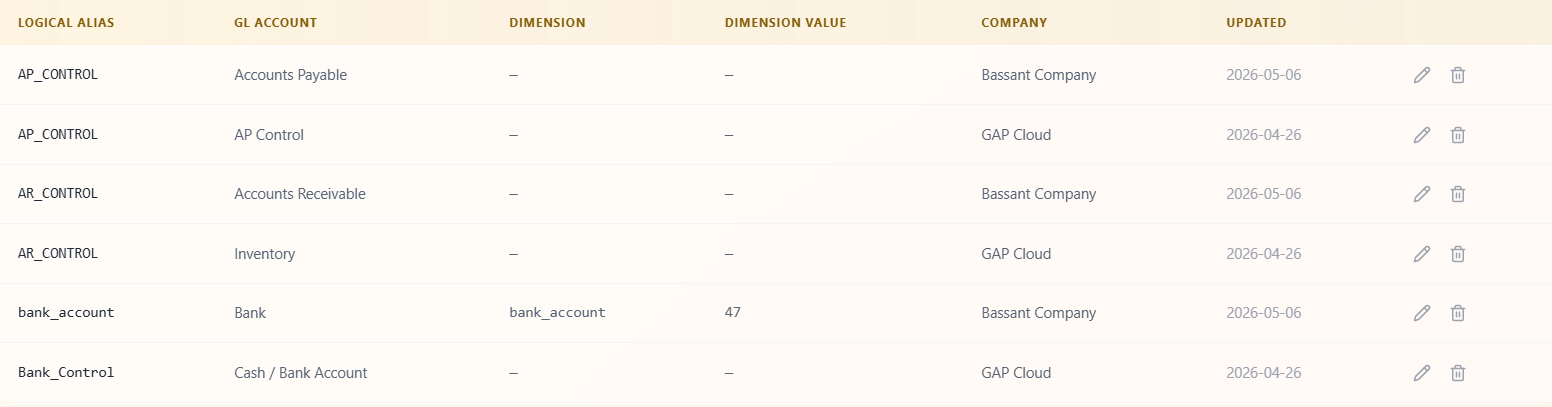
During setup, your accounting rules are configured. Every transaction type across the system — vendor payments, payroll runs, customer invoices, procurement receipts — is wired to the right control account, subledger, and cost center. This is what governs every entry that follows.
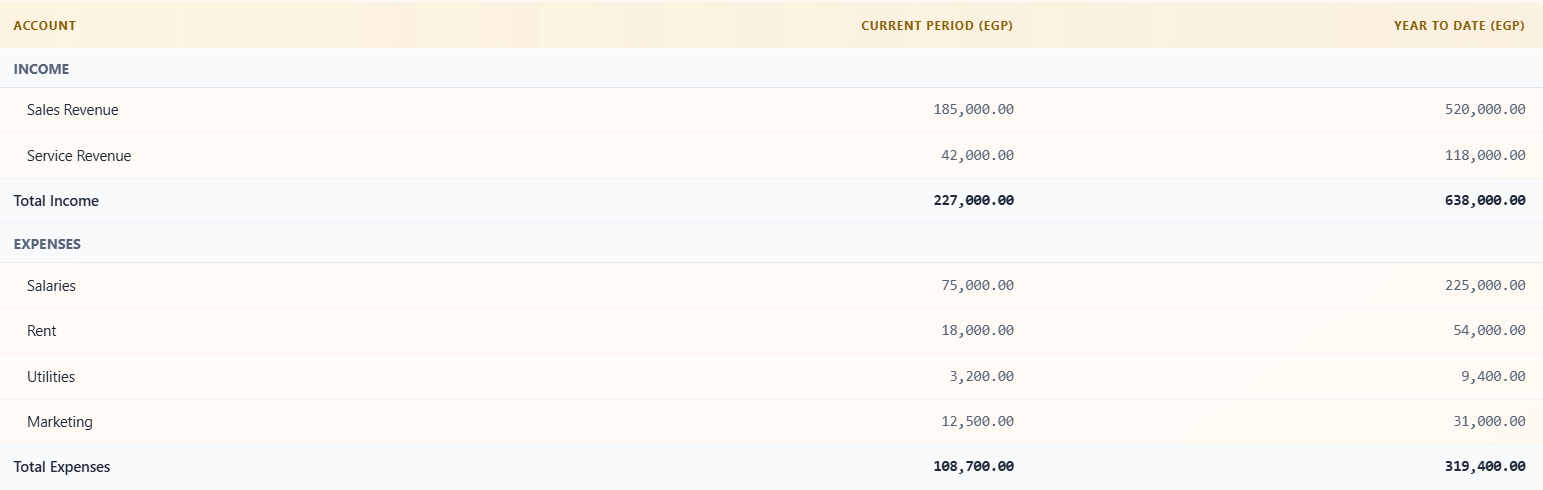
Every module that generates a financial event posts to Finance. Payroll runs, procurement receipts, invoice approvals, sales invoices, and contract signings all arrive in the general ledger following the rules you set.

Every Finance-native transaction — expenses, income, checks, assets — generates its own ledger entry. Payment status and ledger status are tracked separately so your finance team controls when each entry is reviewed and finalized.
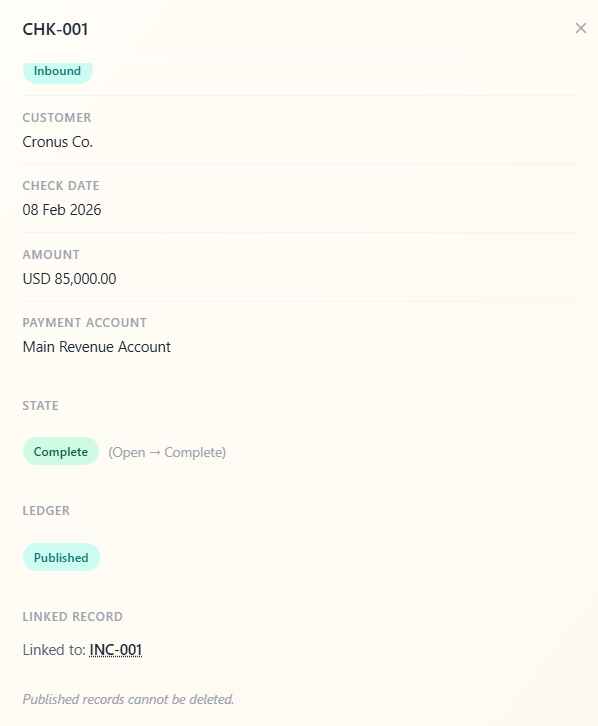
The general ledger holds everything. Your finance team reviews entries in draft, publishes what's been approved, and the six financial reports update from the same record.
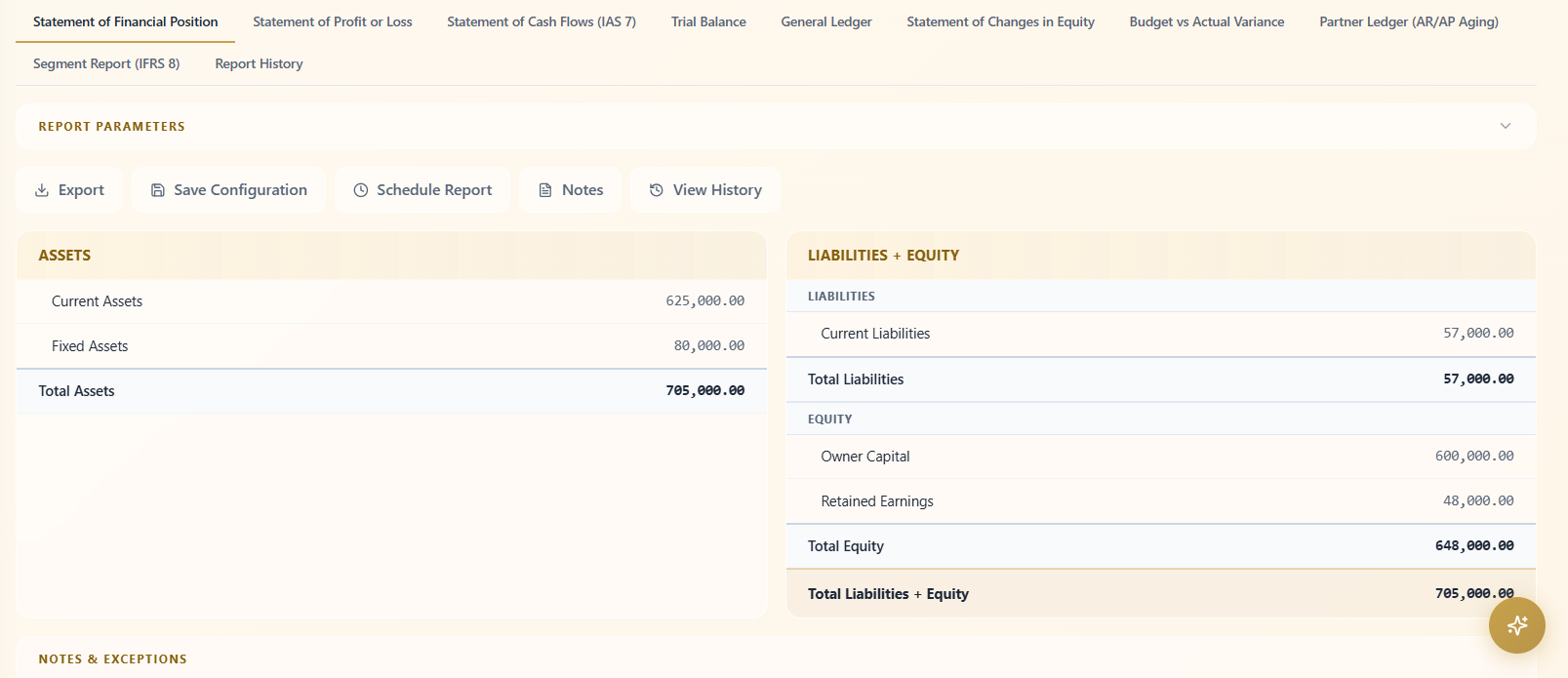
When the period is done, you lock the books. What's in the ledger is what was reviewed.
Getting started with the Finance module
Finance is configured during implementation before any transactions are recorded. The chart of accounts comes first — parent accounts established, then the child accounts and subledgers beneath them. The accounting rules are then configured against that structure, wiring every transaction type across the system to the right account, subledger, and cost center.
Once the rules are in place, bring in your opening balances, bank accounts, tax rules, and categories. Transactions recorded anywhere in the system from that point forward post to Finance according to the configuration your team set.
Other Modules
Sales
Pipeline, lead distribution, activity tracking, and commission structures all tied to one lead record.
Order Management
Quotations, sales orders, proof of delivery, and invoicing triggered from Sales and wired to Warehouse and Finance.
Marketing
Connected Meta campaigns with lead form sync, budget pacing, and conversion data flowing back from Sales.
Real Estate Commercial Operations
Availability, EOI, quotation, contract, and payment schedule posted to Finance the moment a contract is signed.
HR
Recruitment pipeline, employee records, attendance rules, leave management, and self-service from one record.
Payroll
Salary components, structures, employee contracts, payroll runs, and automatic Finance posting no manual entries.
Procurement
From purchase request through vendor quotation, PO, goods receipt, and invoice to payment one purchasing trail.
Warehouse Management
Goods receipt against POs, picking lists from sales orders, cycle counts, and batch and expiry tracking.
An AI assistant that already knows your whole business.
It lives inside the same system as your data. Ask what's happening in sales, whether a payment has come through, or how to set up a payroll rule and get a direct answer. No setup. No context to manage.
How do I...
Ask anything about the system — setup, flows, approvals, fields. Get a direct answer without hunting through documentation.
What's happening with...
Ask about any department, customer, or record and get reported to instead of navigating to find it.
Do this for me.
Coming soonAgent mode will perform tasks and run flows on your behalf within your existing permissions and approvals.
Implementation doesn't take months.
The transition is smoother than you think. Scaler is built around the terms and workflows your team already recognizes no maze to navigate, no months of getting used to a complicated, foreign system.